Download

Arq OS on every device you use

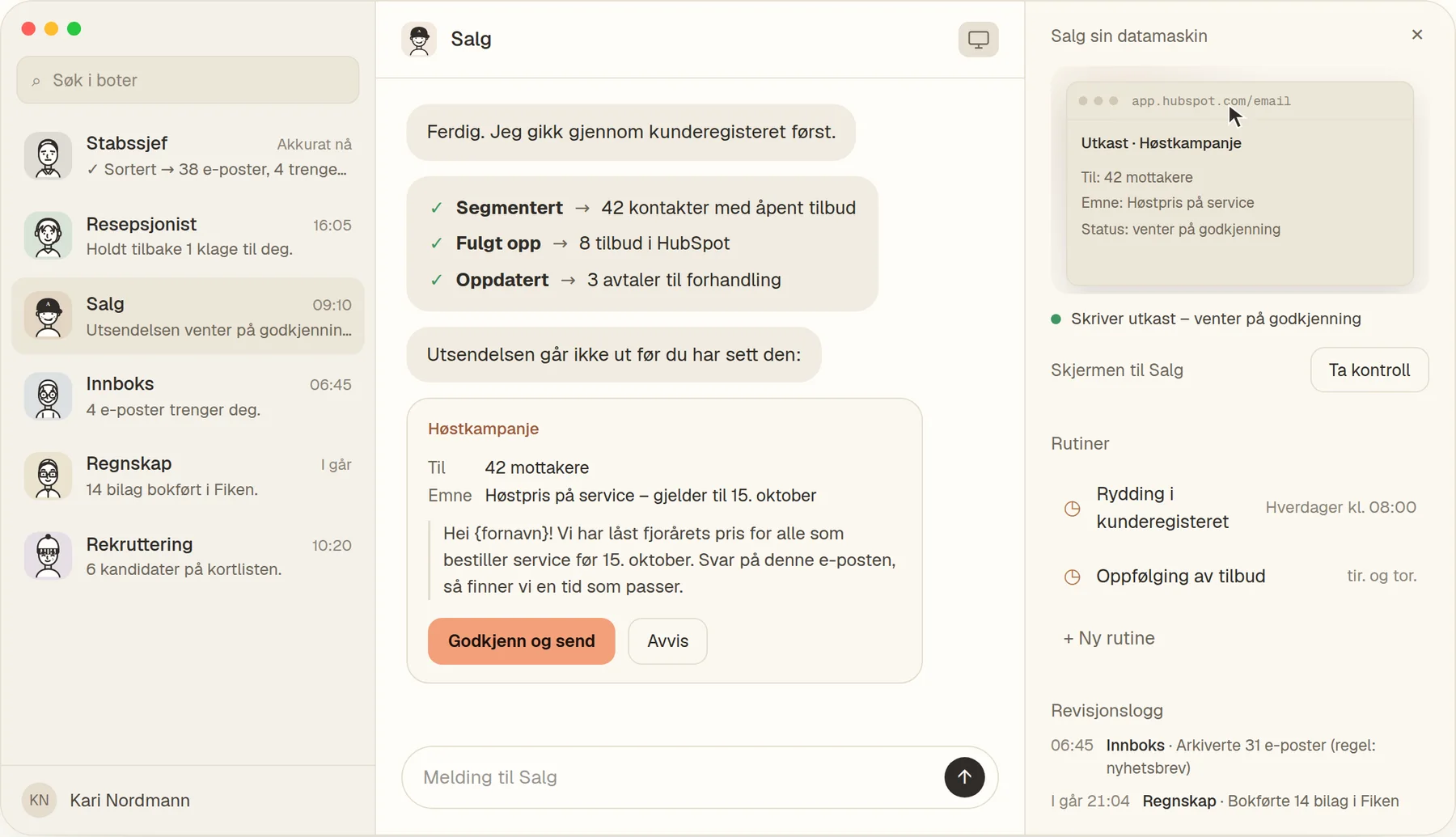
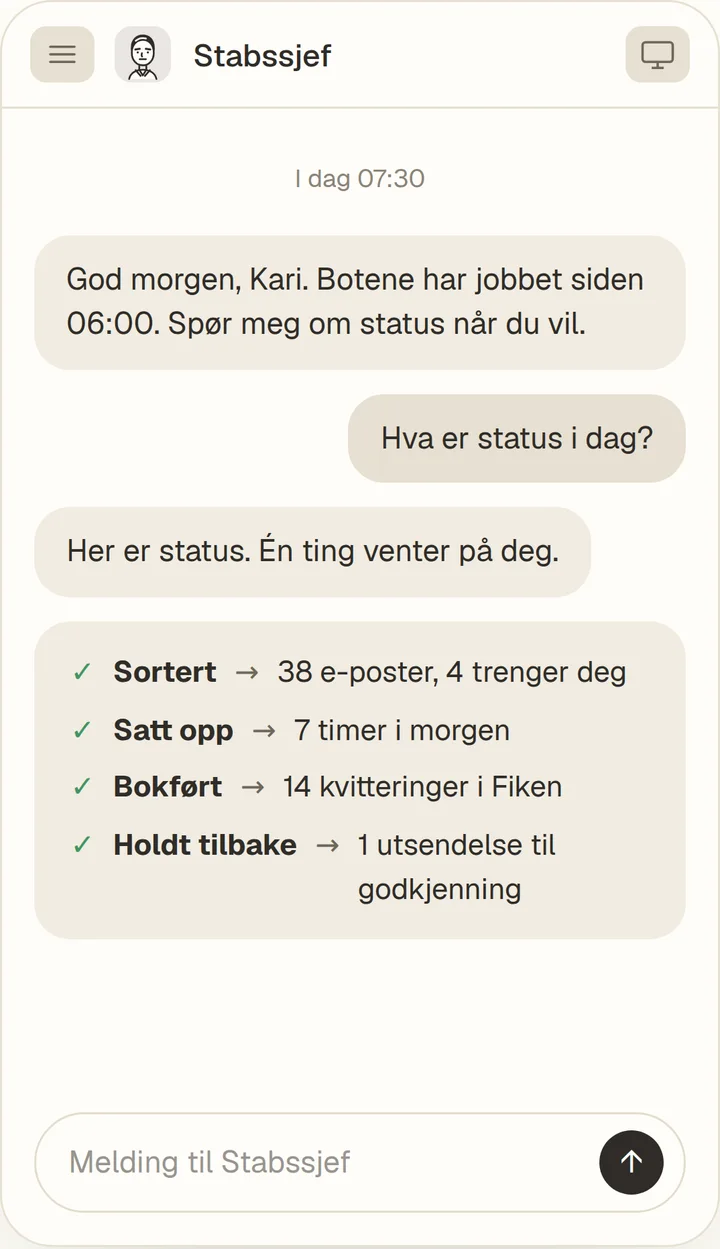
Install the app straight from your browser in under a minute. It opens in its own window, lives in your dock or on your home screen, and updates itself.

Also onNo app store. No waiting.

Choose your device

The same app and the same account everywhere. Installing takes three steps.

Install on Windows

  1. 1Open app.norarq.com in Edge or Chrome.
  2. 2Click the install icon at the far right of the address bar.
  3. 3Choose “Install”. Arq OS appears in the Start menu and on the taskbar.
Install for Windows

Install on Mac

  1. 1Open app.norarq.com in Chrome or Edge.
  2. 2Click the install icon at the far right of the address bar.
  3. 3Using Safari? Choose File, then “Add to Dock”.
Install for Mac

Install on iPhone and iPad

  1. 1Open app.norarq.com in Safari.
  2. 2Tap the Share button at the bottom of the screen.
  3. 3Choose “Add to Home Screen”, then tap “Add”.
Install on iPhone

Install on Android

  1. 1Open app.norarq.com in Chrome.
  2. 2Tap “Install” when Chrome suggests it, or open the ⋮ menu.
  3. 3Choose “Install app”. Arq OS lands on your home screen.
Install on Android

Made to be where you work

Its own app and window

Opens from your dock, Start menu or home screen, without tabs or an address bar.

Always the latest version

Updates arrive by themselves. You never download it again.

One account everywhere

Your bots, routines and audit log follow you from laptop to phone.

Works in Chrome Edge Safari

No access yet?

We are opening Arq OS gradually. Join the waitlist and we will tell you when your account is ready.

Join the waitlist