Projects
The whole job in one folder
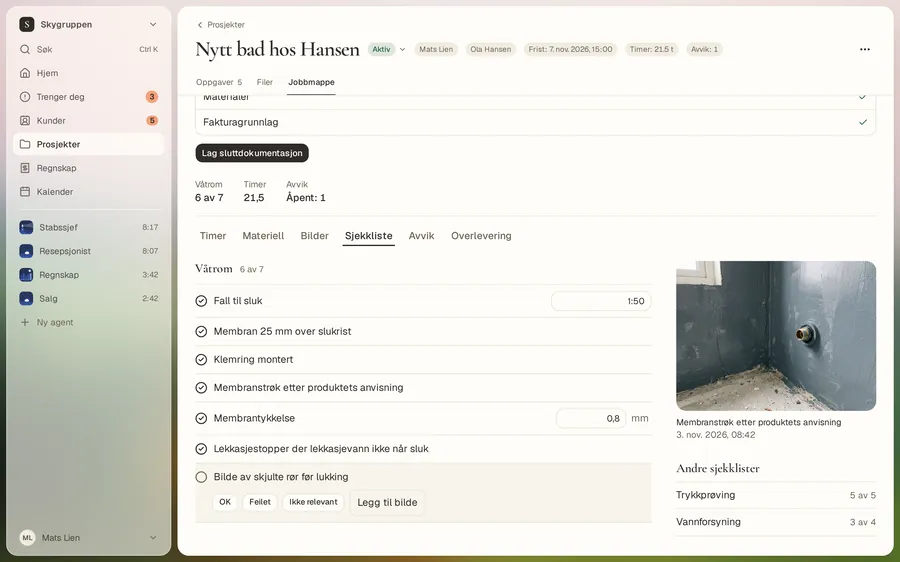
Hours, materials, expenses, checklist, photos and deviations sit in the job folder. When the job is done, you see what’s missing before handover.
Get started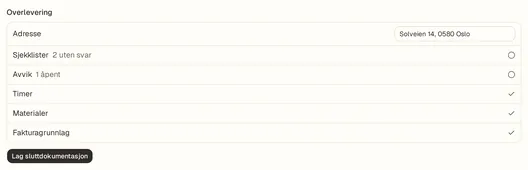
From the app. Customers and numbers are examples.
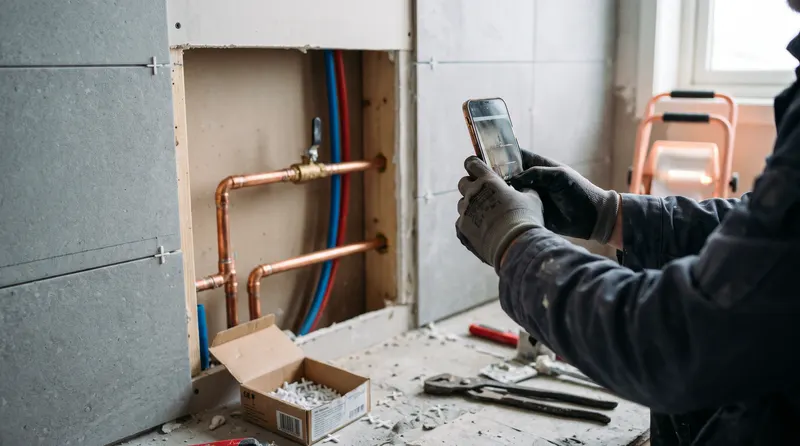
Photos that hold up
A dark or blurry photo gets a request to take a new one. Location and camera data are removed.
Hours per person
You approve the week per person. You get the payroll basis as a file.
Pengevakta
Finds extras, overruns and work missing from the invoice. Nothing reaches the customer without your yes.
The job folder
Everything from the job in one place
You and your staff log hours and materials and add photos from the phone. The agent can log what you tell it.
Handover
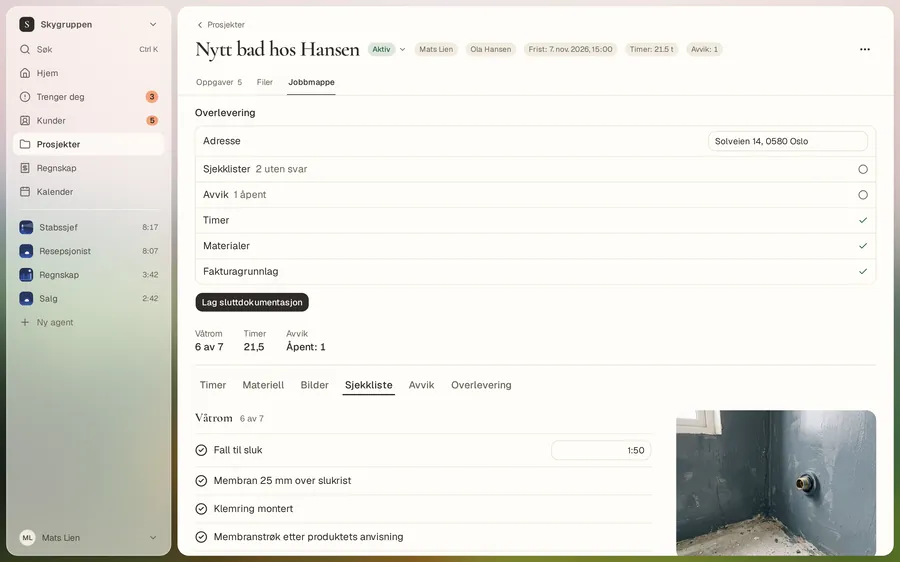
See what’s missing before you deliver
When the job is done, “Handover” shows what’s missing. When everything is in place, you make the closing documentation for the customer.
Overview
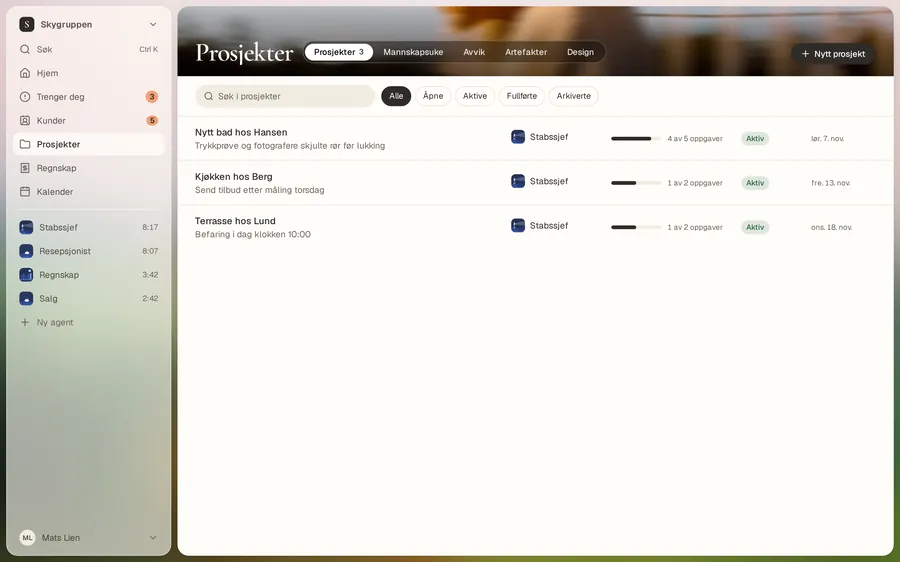
All your jobs
See which jobs are running, what they have cost, and where something has stopped.
Good to know
- For electricians, Arq OS drafts the declaration of conformity. You sign it yourself, and it isn’t a quality assurance report.
- Pengevakta suggests. You decide what gets invoiced.
Add your next job
Hours, photos and checklist from day one.
Get started