
Voice
Talk to the agent while your hands are busy
Call the agent from the app, ask questions and hear the answers. You can interrupt it while it speaks.
Get started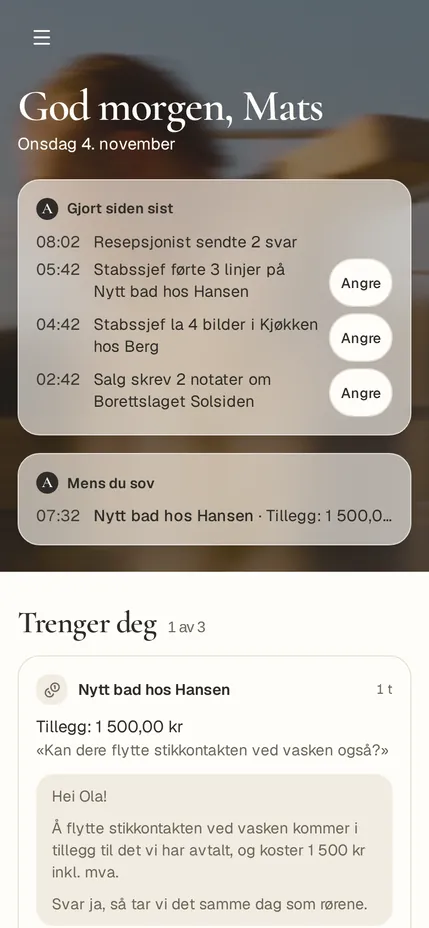
From the app. Customers and numbers are examples.
Call the agent
Start a call in the app and talk the way you talk to a colleague.
Dictate
Say what you would have written, and it’s in the message.
“Hei Arq”
Off until you turn it on. Then a call starts when you say “Hei Arq”.
Read aloud
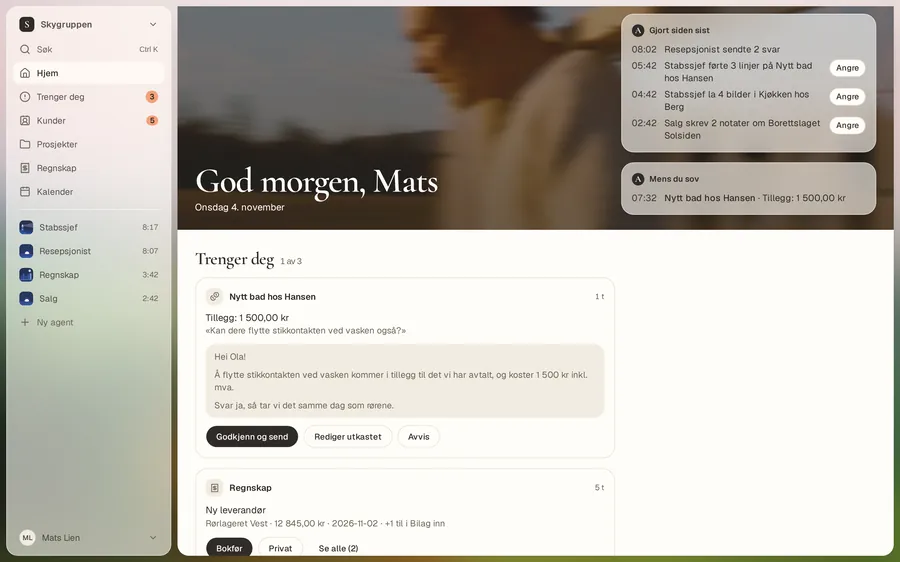
Your morning, read aloud
Press “Read aloud” on Home and hear what’s done and what needs you, while you do something else.
Good to know
- A spoken yes only counts for cards the agent has read aloud, and never for sending, money, deletion or signing.
- The first time you use voice, the app asks for permission. You can withdraw it.
- “Only answer my voice” is off until you turn it on. It is a filter against the TV and other voices, not a lock.
- The call is marked as an AI voice.
Try it on the way to the next job
14-day free trial.
Get started