
Employees
A page of their own for each employee
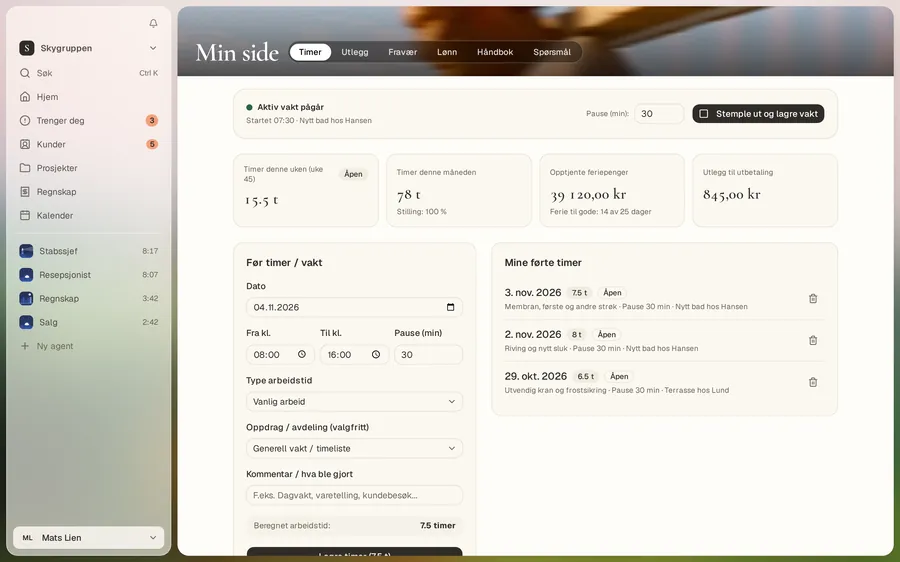
On My page, each employee logs hours, expenses and absence and finds their pay slip. You approve the week per person.
Get started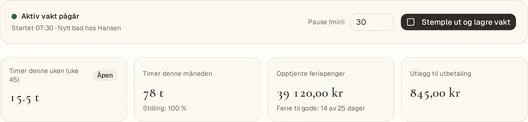
From the app. Customers and numbers are examples.
Hours from the phone
Log your hours where you stand. If the week’s hours are missing, you get a reminder.
Expenses with a receipt
Photograph the receipt and send it in. The expense goes for approval.
Holiday and absence
Send a holiday request and report absence. You see how many holiday days you have left.
My page
What the employee needs, and no more
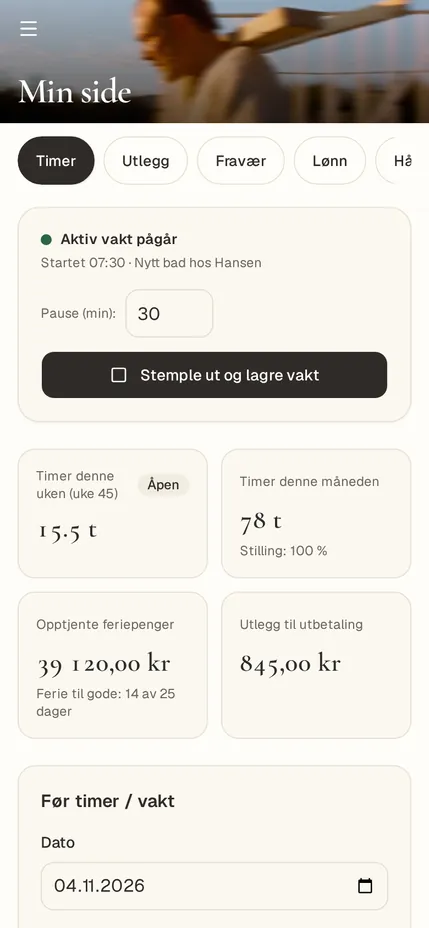
This week’s hours, holiday days left, expenses to be paid and pay slips. With the “Employee (My page only)” role, this is all they see.
Ask the assistant
Answers to what people wonder about
An employee can ask about pay, holiday pay, absence, expenses and safety, or send a message to their manager.
Good to know
- Each employee with a login is a user on the plan.
- The hours you approve become the payroll basis.
Give your staff My page
Invite them when you are ready. You decide which role they get.
Get started