
Customers
Every customer gets an answer. You decide what goes out.
Email and web forms land in one inbox. The agent writes the reply, and it waits for “Approve and send” until you have read it.
Get started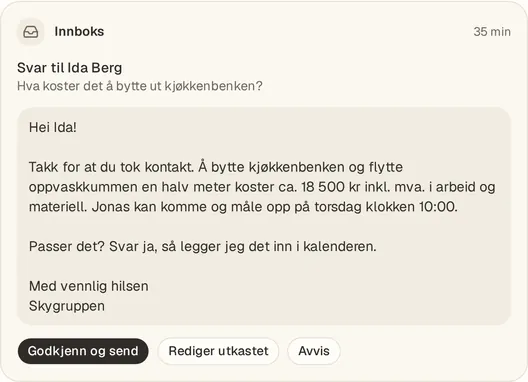
From the app. Customers and numbers are examples.
One inbox
Email and web forms gather in Conversations, linked to the right customer.
Drafts, not replies
The agent writes the reply. You read it, change it and send it.
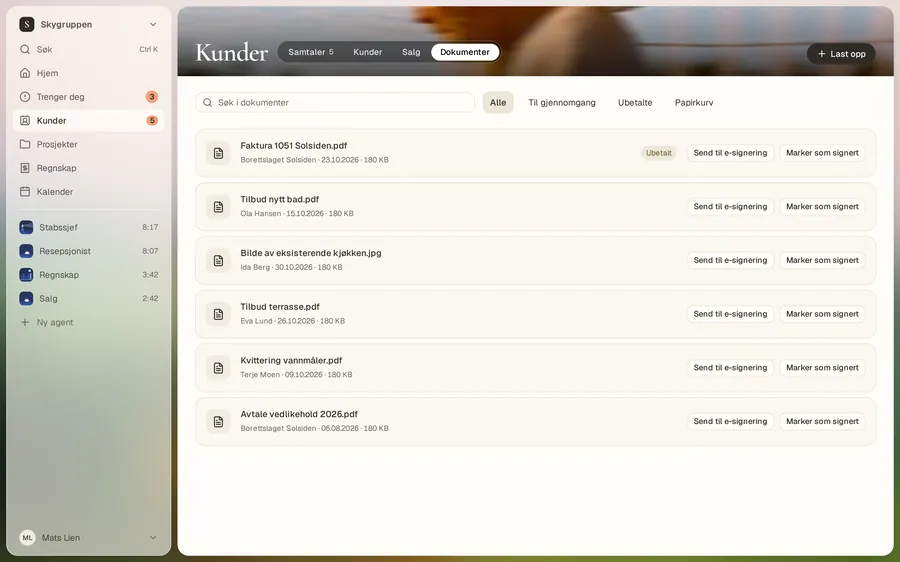
The whole customer on one card
Overview, conversations and documents sit together, so you don’t have to look around.
Conversations
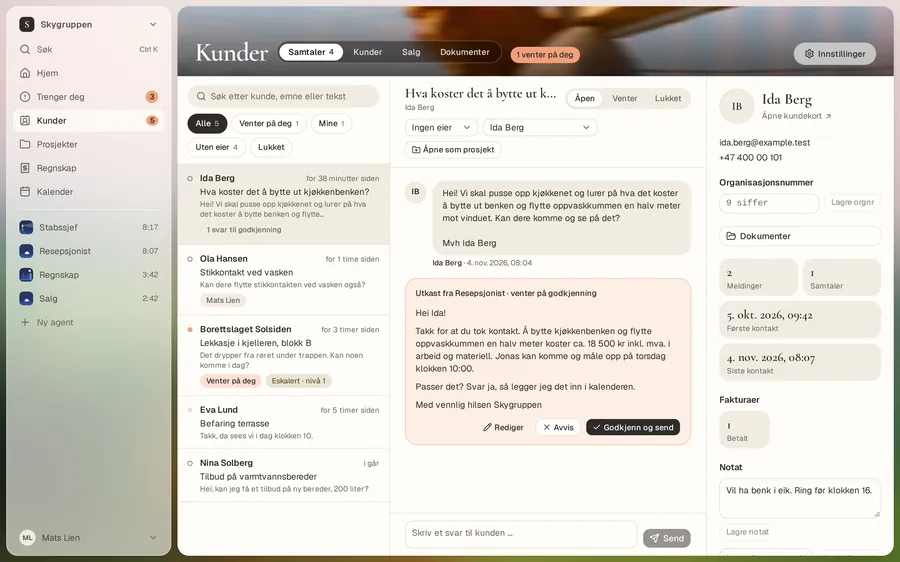
Answer when you have a moment
You see what the customer asked, what the agent suggests, and who the customer is. One press on “Approve and send” and the reply goes out.
Customers
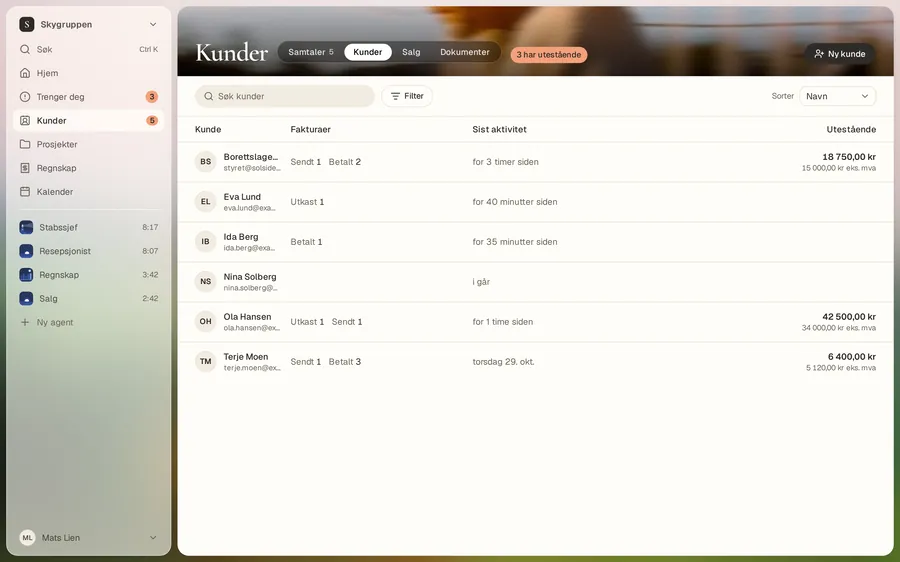
All your customers in one place
Each customer has a card. Name, email, phone, notes and organisation number in the register are encrypted per Space.
Sales
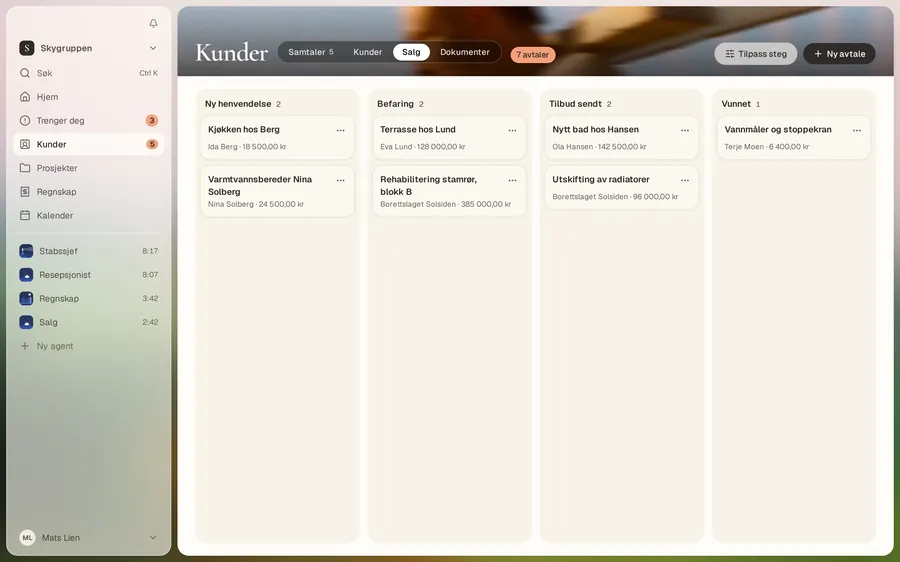
See where each enquiry stands
From first contact to quote, won or lost. The agent can write the follow-up, and it waits for your yes like other replies.
Documents
Quotes and attachments in one place
Files that come in or go out sit on the customer they belong to.
Good to know
- Replies in the customer inbox wait for your yes. To change that, turn on “Send replies without approval”.
- Notices from WooCommerce and Mittanbud land in the inbox. Arq OS doesn’t reply back there.
Answer your next customer today
Connect your email and let the agent write the first draft.
Get started